
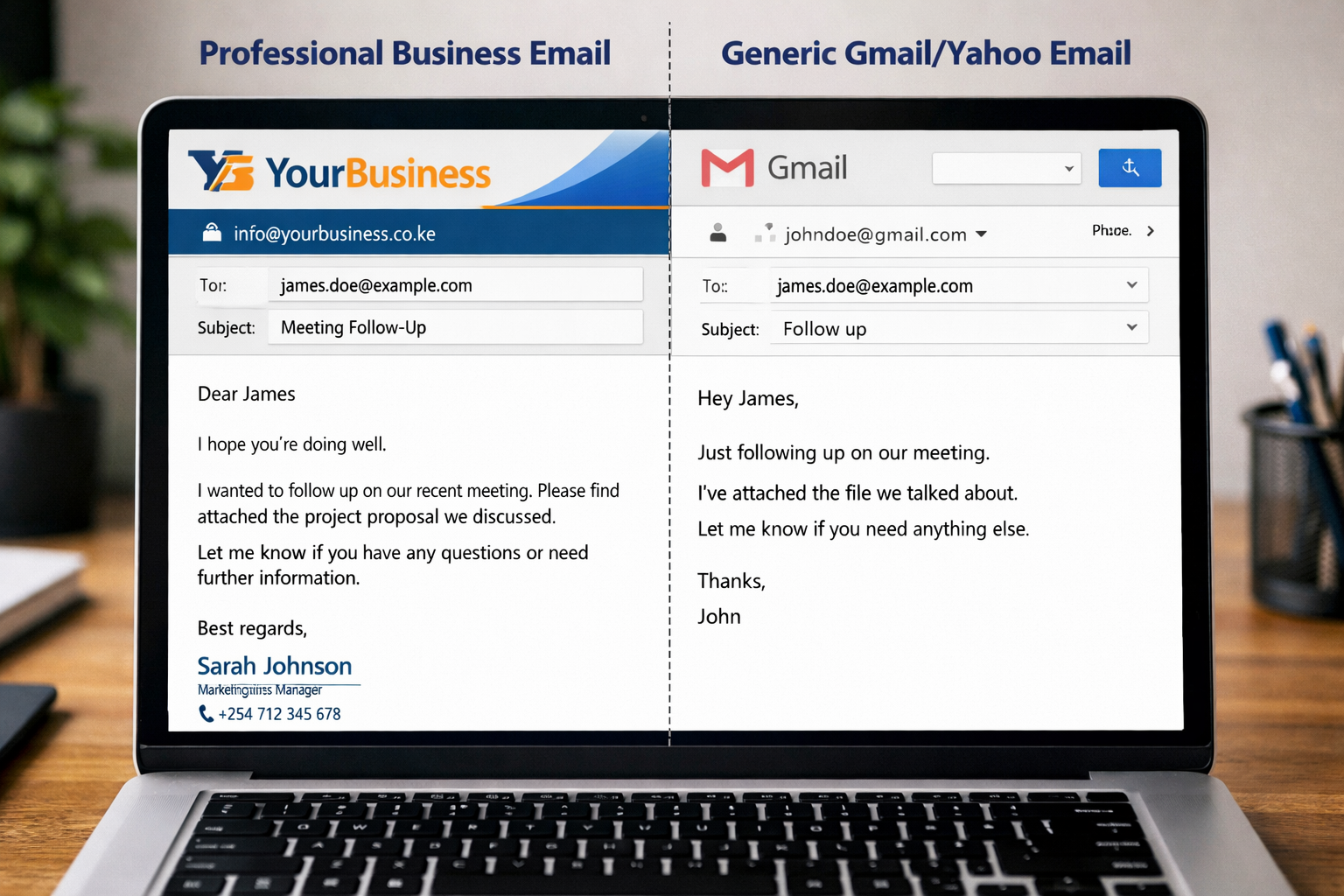
Still using a Gmail or Yahoo email for your business? Learn how to create a professional business email in Kenya and build trust with your customers.
Introduction
Let’s be honest…
If a business contacts you using an email like:
Does it feel professional?
Now compare that to:
Big difference.
In today’s digital world, your email address says a lot about your business. A professional business email builds trust, credibility, and confidence.
In this guide, you’ll learn exactly how to create one in Kenya—step by step.
What is a Business Email?
A business email is an email address that uses your domain name.
Example:
Instead of using free services like Gmail or Yahoo.
Why You Need a Professional Email
1. Builds Trust
Customers trust businesses that look professional.
2. Improves Your Brand
Your email becomes part of your identity.
3. Makes You Look Serious
People are more likely to do business with you.
4. Better Communication
You can create multiple emails:
- support@
- sales@
- admin@
Step-by-Step: How to Create a Business Email in Kenya
✅ Step 1: Buy a Domain Name
This is your business name online.
Example:
- yourbusiness.co.ke
- yourcompany.com
You can buy domains from local or international providers.
✅ Step 2: Get Hosting
Hosting is where your website and emails are stored.
Most hosting providers include:
- Email accounts
- Control panel (cPanel)
- Security features
✅ Step 3: Create Your Email Account
Once you have hosting:
- Log in to your control panel
- Go to “Email Accounts”
- Click “Create”
- Enter your email name (e.g., info@)
- Set a password
Done! Your business email is ready.
✅ Step 4: Connect to Your Phone or Gmail
You can access your email via:
- Webmail
- Gmail (recommended for ease)
- Outlook
This makes it easy to send and receive emails anywhere.
⚠️ Common Mistakes to Avoid
- Using free emails for business
- Choosing complicated email names
- Not securing your email
- Forgetting to back up important messages
When Do You Need Help?
Setting up a business email may seem simple—but doing it properly requires:
- Correct configuration
- Security setup
- Integration with your website
How MoJamoza Technologies Can Help
At MoJamoza Technologies, we help businesses:
- Register domains
- Set up professional emails
- Configure emails on phones and computers
- Secure and manage email systems
We make the process simple, fast, and stress-free.
✅ Final Thoughts
A professional business email is a small step—but it makes a big difference.
It shows your customers that you are serious, trustworthy, and ready to do business.
Action You Can Take Now
Ready to upgrade your business image?
Contact MoJamoza Technologies today
We’ll set up your professional business email quickly and affordably.
Recent Posts




Recent Posts
Affordable Web Hosting

Comments (0)
No comments yet. Be the first to comment!
Leave a Comment
Your email address will not be published. Required fields are marked *